Are you using the plastic feet on the back of your keyboard? Learn why tilting your keyboard up is actually causing severe wrist strain and how to fix it.
Open up almost any computer keyboard, and you will find two little plastic kickstands on the bottom. Naturally, most people flip them out immediately, assuming that a tilted keyboard is easier to read and better to type on.
In reality, those little plastic feet are a hidden cause of typing fatigue and wrist pain.
While tilting the keyboard makes the letters easier to see if you look down at your hands, it forces your wrists into an unnatural, bent position that can cause long-term strain. Here is the anatomical reason why you should flip those keyboard feet back down today.
The Problem with Wrist Extension
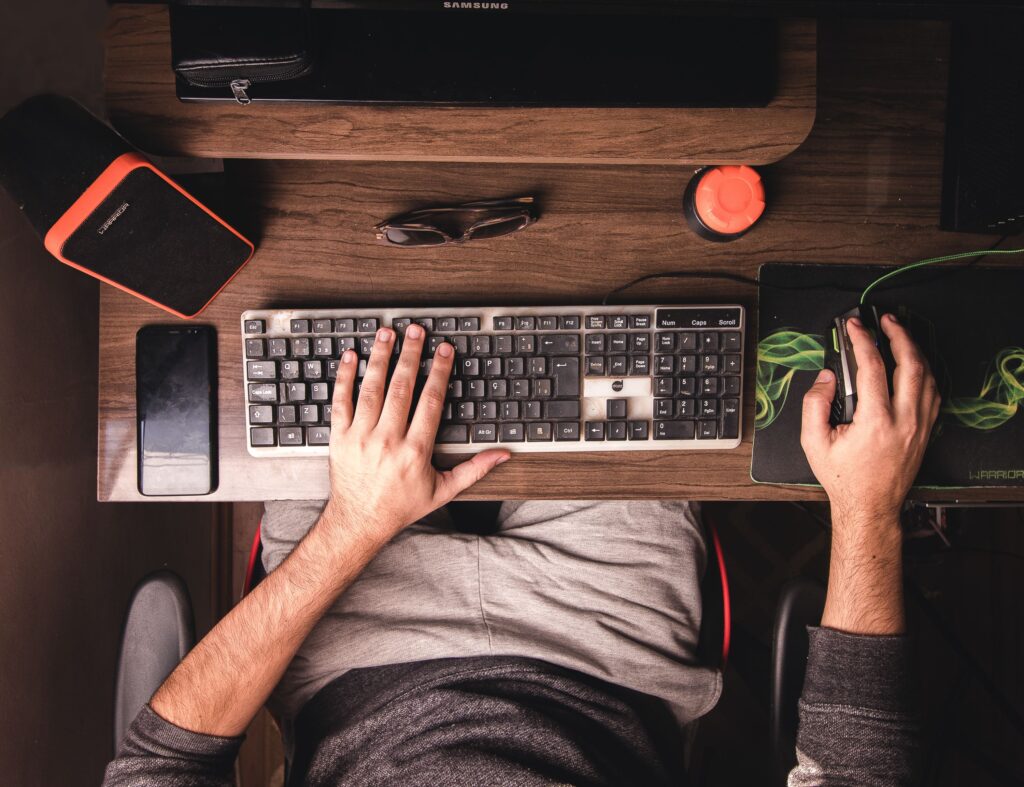
When you flip up the back feet of your keyboard, you tilt the keys toward you. To type on a surface angled like this, you have to bend your hands backward toward your face. In ergonomics, this position is called wrist extension.
Try resting your forearm flat on your desk and bending your hand upward as far as it goes. You will instantly feel the muscles in your forearm tighten.
When you type with extended wrists for hours at a time, you compress the median nerve running through your wrist. This is a primary trigger for carpal tunnel syndrome, tendonitis, and general cramping.
The Ideal Angle: Flat or Negative Tilt
The healthiest position for your wrists is completely neutral meaning your hand should form a straight, unbroken line with your forearm.
- The Flat Setup: Flipping the feet down keeps the keyboard flat on the desk. This allows your wrists to stay in a natural, relaxed plane while typing, dropping your forearm tension to almost zero.
- The Negative Tilt Setup: True ergonomic workstations often use a “negative tilt,” where the front of the keyboard (closest to you) is slightly higher than the back. This matches the natural downward slope of your arms when you sit comfortably back in your office chair.
How to Transition Without Slowing Down
If you are used to a steep typing angle, flattening your keyboard might feel a bit strange for the first afternoon. Here is how to make the switch comfortably:
- Flip the Feet Down: Snap the plastic kickstands closed so the keyboard sits completely flush with your desk pad.
- Raise Your Seat Slightly: If you feel like you can’t reach the top row of keys easily, raise your office chair by just an inch. This changes your arm angle so you are typing over the keyboard rather than reaching up to it.
- Use a Wrist Rest Properly: If you use a wrist rest, do not actually rest your wrists on it while actively typing. It is meant to support the fleshy palms of your hands only during quick breaks between sentences.
By taking two seconds to flatten your keyboard, you remove constant mechanical pressure from your joints, making long typing sessions feel completely effortless.