Struggling with headaches or eye fatigue at your computer? Learn the correct way to position your desk lamp to eliminate screen glare instantly.
Most remote workers set up a desk lamp simply by plopping it down wherever there happens to be an open square inch of space or an available power outlet. However, an improperly placed light source is one of the leading causes of computer eye strain, headaches, and blurred vision.
If a lamp bounces harsh light directly off your monitor screen and back into your eyes, it causes a distracting reflection known as screen glare. Your eyes are then forced to constantly adjust between the bright glare spot and the text on your monitor, leaving your eye muscles completely exhausted by afternoon.
Fixing your desk lighting layout doesn’t require buying expensive new gear. You just need to position your current light using a few basic rules of physics.
The Golden Rule: Side Placement Only
The absolute worst place to put a desk lamp is directly behind your computer monitor (shining at your face) or directly behind your chair (shining onto your screen).
- The Setup: Always position your desk lamp to the left or right side of your monitor.
- The Reason: Placing the light at a side angle forces the light beams to bounce off your screen diagonally away from you, rather than bouncing straight back into your eyes.
Pro Tip: If you are right-handed, place the lamp on your left side. If you are left-handed, place it on your right. This prevents your hand from casting a shadow across your desk surface when you write or take notes!
Angle the Beam Downward
A desk lamp should never shine directly at your face or into your line of sight. If you can see the bare lightbulb from where you are sitting, the lamp is angled incorrectly.
Adjust the head of your lamp so that the shade completely hides the bulb and directs the pool of light straight down onto your workspace surface (your keyboard, mousepad, or documents). This illuminates your physical desk tasks perfectly while keeping your ambient peripheral vision clear and comfortable.
Choose the Right Lightbulb Temperature
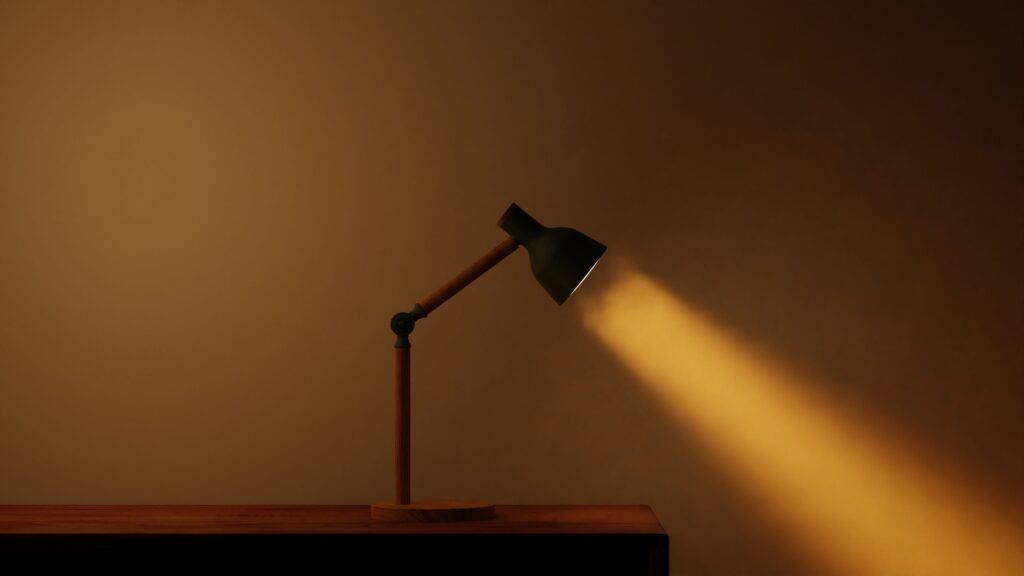
The position of the lamp matters, but the actual light bulb you use plays a major role in eye comfort too.
Avoid harsh, clinical “Daylight” bulbs (5000K or higher) for close-up desk work, as the intense blue-white light mimics midday sun and strains your eyes in the evening. Instead, look for a “Warm White” or “Soft White” LED bulb (around 2700K to 3000K). This provides a relaxing, amber-toned glow that balances out the cool blue light emitted by your monitor screen.
By taking two minutes to shift your lamp to the side and angle the shade downward, you completely eliminate ambient glare instantly making your digital workspace feel incredibly easy on the eyes.