Ever finish a long session at your desk and feel like your eyes are burning, or catch yourself leaning forward like a turtle?
Most people just plop their monitor down wherever it fits on their desk. But if your screen is too close or too far, your eyes are constantly straining to focus, leading to headaches, dry eyes, and neck pain.
Fortunately, there is a scientific “sweet spot” for every screen size. Use our interactive calculator below to find yours in 2 seconds!
Calculate Your Ideal Monitor Distance
Monitor Distance Calculator
Select your screen size to find your scientifically recommended viewing distance.
Your Ideal Distance
Safe Range: 23″ to 32″
Rule of thumb: Approx. 27 inches (69 cm), or about an arm’s length away.
Why Your Monitor Distance Matters
When you stare at a screen, your eyes do two things: focus and converge (aim inward). If the screen is too close, your eye muscles have to work incredibly hard to keep the image sharp. Over a few hours, this causes fatigue.
The Golden Rule: The Arm’s Length Test
If you don’t have a tape measure handy, a quick physical test is the Arm’s Length rule:
- Sit back comfortably in your chair.
- Extend your arm straight out in front of you.
- Your fingertips should just barely brush the glass of your screen.
If your hand is bent or you can’t reach it at all, your monitor is in the danger zone!
How to Position Your Screen Height
Distance is only half the battle, height matters just as much.
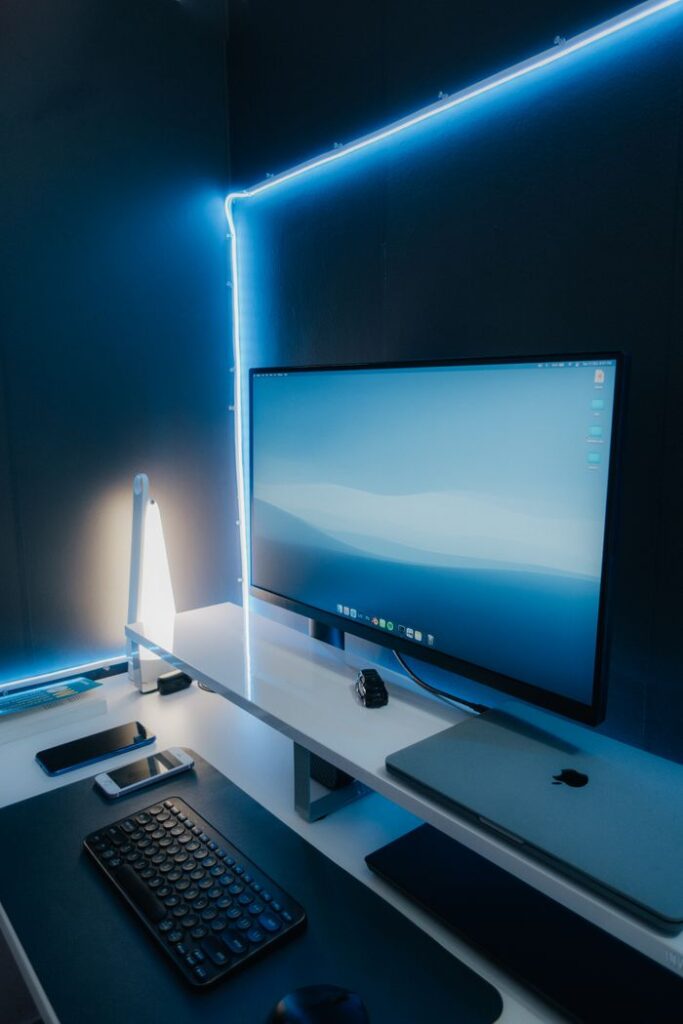
- The Rule: The very top of your screen should be at, or slightly below, eye level.
- The Reason: Your eyes naturally prefer to look slightly downward when reading. If your monitor is too high, you have to tilt your head back, which compresses your neck vertebrae and leads to upper-back pain.