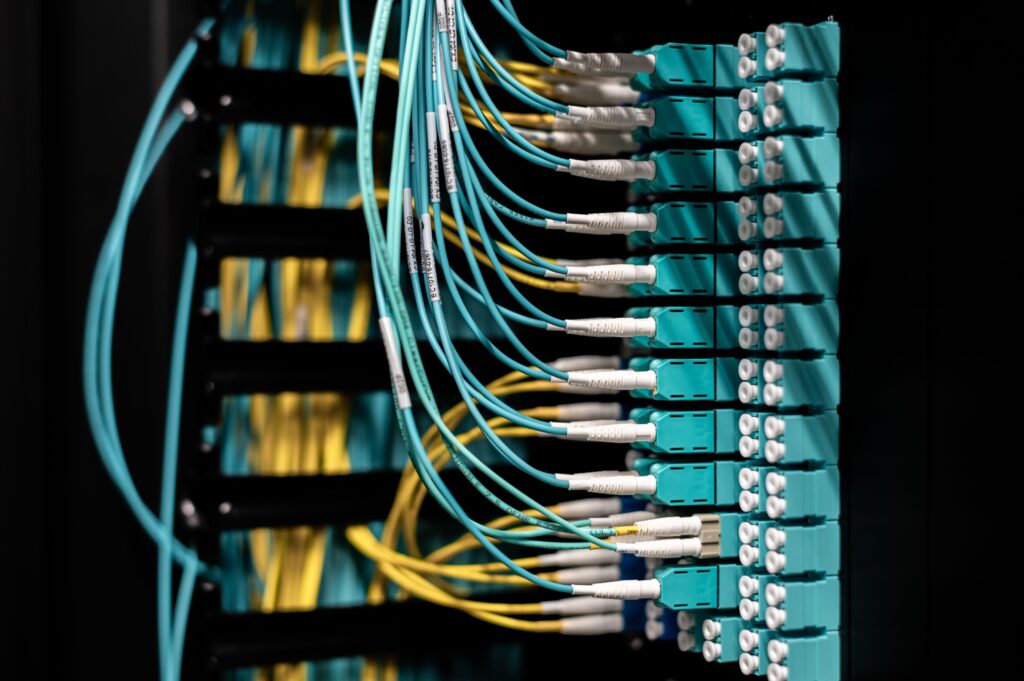
Clear the visual noise under your desk. Discover how organizing your cables reduces cognitive fatigue and boosts your daily focus.
One of the biggest blocks to your daily focus isn’t on your screen it’s hiding right under your desk.
A chaotic mess of tangled power strips, dangling monitor cords, and stray chargers does more than just look messy; it actively drains your mental energy. Here is why organizing your cables is a legitimate productivity hack, and how a clean setup transforms the way you work.
The Hidden Cost of “Visual Noise”
Every object in your field of vision demands a tiny fraction of your brain’s processing power. When your workspace is crowded with a chaotic web of wires, your brain interprets it as unfinished business or disorganization. This is known in psychology as “visual noise.”
Studies in environmental psychology show that physical clutter competes for your attention, leading to cognitive fatigue and increased stress levels over an eight-hour shift. When you look at a clean, wireless desk, your brain instantly shifts into a calmer, more focused state, making it significantly easier to enter a deep work flow state.
3 Ways Cable Management Boosts Output
1. It Eliminates Daily Friction
Think about how much time you waste wrestling a charger out from behind your desk, untangling a phone cord from your mouse wire, or accidentally unplugging a monitor when you move your feet. Proper cable management puts a permanent end to these minor daily annoyances, keeping your physical workflow seamless.
2. It Makes Cleaning Effortless
Dust accumulation is a major threat to both your electronic devices and your indoor air quality. A floor covered in tangled cables is nearly impossible to vacuum or wipe down properly. When cables are lifted off the ground and neatly routed, keeping your desk pristine takes less than thirty seconds.
3. It Prevents Costly Technical Disasters
When wires hang loosely under a desk, they are constantly exposed to accidental kicks, chair wheels rolling over them, or pets chewing on them. One bad snag can break a port on a monitor or instantly shut down your computer mid-task, causing you to lose hours of unsaved work.
The 3-Step Cable Management Blueprint
You don’t need to spend hours meticulously labeling every single wire to get a clean setup. You just need to follow three simple steps:
- Step 1: Hide the Power Strip: The golden rule of cable management is to get your main power strip completely off the floor. Use strong double-sided mounting tape or an under-desk cable tray to clamp the strip directly to the underside of your desktop.
- Step 2: Consolidate the Routes: Group cables that travel in the same direction like your monitor power cord and HDMI cable and wrap them together using Velcro straps or a neoprene cable sleeve. This turns five messy strands into one clean line.
- Step 3: Anchor the Ends: Use small, adhesive cable clips on the edge of your desk to anchor the tips of your phone chargers and laptop cables. This keeps them from sliding behind the desk the moment you unplug your device.
Final Thoughts
A clean workspace builds a clean mind. By taking a few minutes to tuck away the mess beneath your desk, you remove a major source of subconscious stress and design an environment optimized for focus.